Walk in your users’ shoes
The new Journeys page shows all the user journeys in your product, screen by screen, at desktop, tablet and phone size.
- Your agent screenshots each step of each user journey, and keeps them up-to-date when your product changes.
- Walk a journey step by step, or examine a single screen in detail.
- Turn on Components to outline every component on a screen. Press one to navigate to its page.
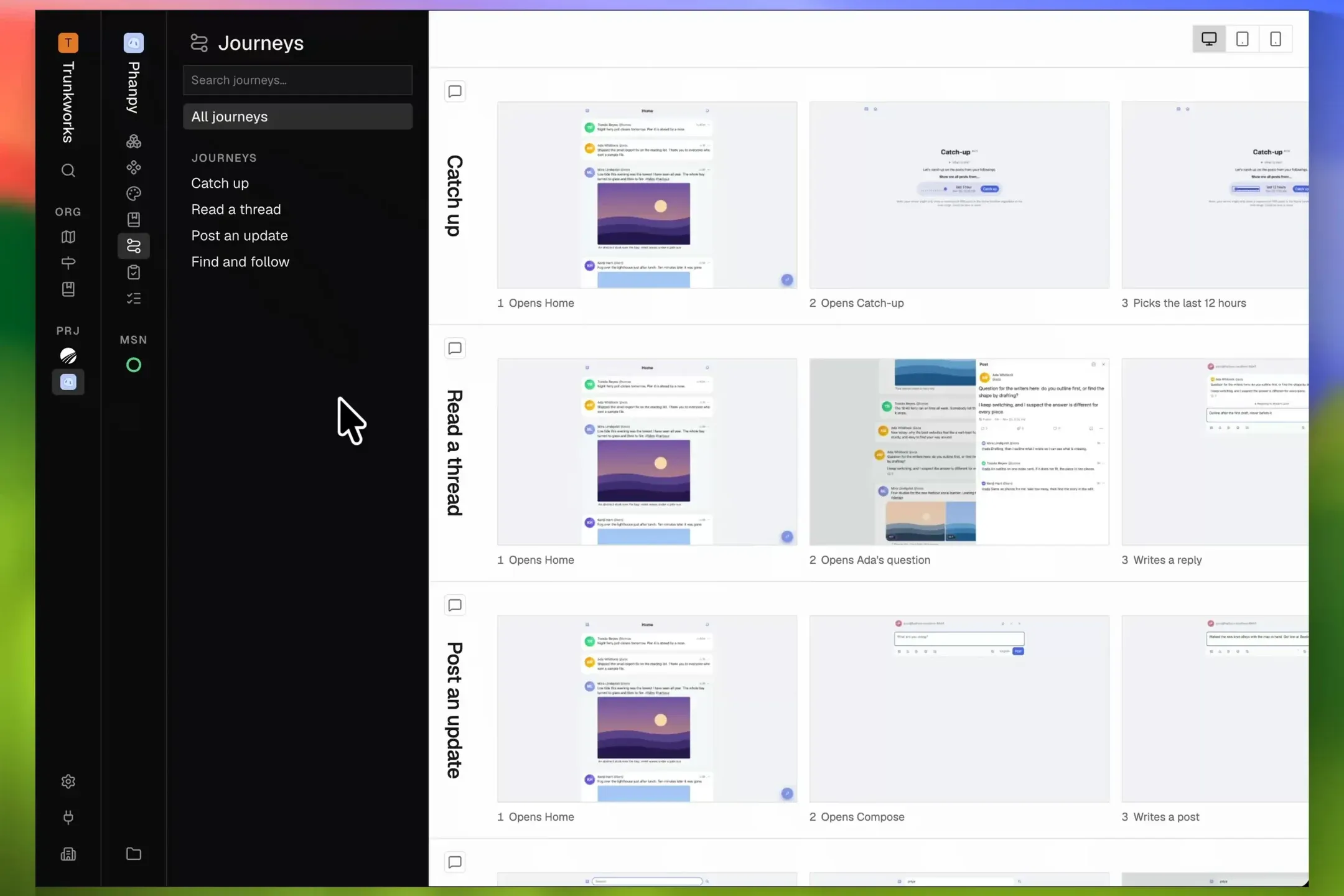
Comment on any screen
Pin a comment to a component or to any point on a screenshot. Your whole team sees it on that screen, so you can work through what feels off together, with each other and with your agents.
Try it yourself
A screenshot can’t show you an animation or how an interaction feels. Press Try from here on any step, and your agent opens your real app at that point in the journey, on your test copy, for you to judge in place.
The 7 Levels of Agentic Engineering
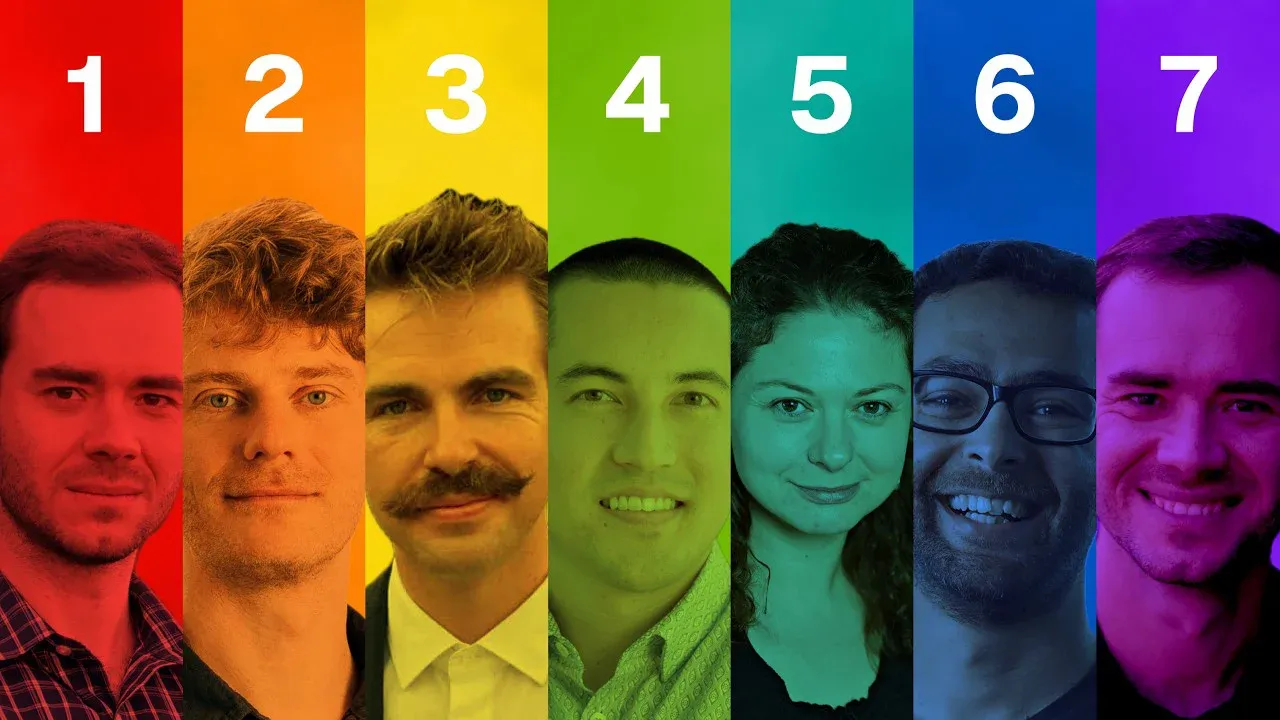
This week I also recorded a video on how to fight back against slop. It climbs from vibe coding through prompt, context, harness and specification engineering, to two new levels, and shows Pathfinder at work along the way.
Skills
capture-componentsnow captures your user journeys too, on a test copy of your app, and opens Try from here. It reads Preact apps, survives an app that opens a new window, and signs in on apps that route with the address hash.feature-verifycaptures the journeys a build touched, and shows each changed step before and after in its report.use-pathfindernames a journey or one of its screens in a mission document, so it shows as a card.feature-prototypeand the other Product feature stages try each interaction by the input you’d use for it, a trackpad’s pinch or a finger’s swipe, and hand helpers the conditions of their work, not only the task.feature-prioritisehas each hypothesis say why it matters to your customers, and settles an accepted risk once.document-projectskeeps what a release holds back in one file in your repository, and asks before it moves a list you already keep.
Improvements
- Missions, a mission, the Glossary and Process open without waiting on the server when you move between pages.
- Typing in a document and pressing into a paragraph answer about twice as fast on a slower machine.
- The Glossary opens faster, and stays fast as it grows.
- A page opened after a short break loads sooner, and the example mission appears about a third sooner.
- Rename a runbook or a discipline in place, by pressing its name.
- Pressing a link while you edit a document now follows it, rather than placing the cursor in it.
- Finding in a rail answers at the first letter. A find with more than 200 rows shows the first 200 and offers the rest.
- Every next step Pathfinder gives your agent now reaches it, even when Claude Code’s code mode runs its calls as code.
- Recapture copies its prompt in one press, with the same button and tooltip as every other prompt.
- The bar over a component is tidier on a phone, Recapture is one camera button, and the light and dark switch reads as one control.
- Recipe rehearsal asks that each runbook was run or rehearsed in the last 90 days, and that every step changing production says how to rehearse it safely.
- Visual testing is no longer a recommended practice. A project that graded it keeps its page until the next grading.
- Resetting your password signs you out everywhere.
- A confirmation link opened in a different browser from the one you signed up in confirms your email, and asks you to choose your password there.
- One member can send 20 invitations an hour and an organization 100 a day. Past that, the invite form says when to try again.
- One member can send 10 pieces of feedback an hour, from the app and their agent together.
- Every dialog has the same title size, padding and close button, and every icon button fades to orange under the pointer.
- Each act has one name on every page, such as Sign out and Delete permanently, and lists and labels are punctuated one way.
- Column headings are the same small capitals on every page, Save buttons are the height of the field beside them, and toggles are one size.
- A button’s tooltip no longer flickers over the menu or list it opens.
- The home page’s story now shows Journeys and Components right after Architecture.
Fixes
- An HTML upload takes only the files in the HTML’s own folder, and only scripts and stylesheets as code, so a reference such as
../.envis refused instead of uploaded. - Signing up again with an address whose confirmation link was never opened sends a fresh link, and keeps the password you just typed.
- Invite someone on Billing opens the invitation again, instead of freezing the tab.
- A component no longer stays marked as older than its code after a capture that pictured it again.
- The Components page no longer shows “Nothing has been captured yet” for a moment while it loads.
- Pointing at a component’s parts keeps working after you move off them.
- A component page’s Rule, Props and Tokens headings no longer run into what follows them.
- On a tablet-width window, Architecture folds its own rail as it opens, so the diagram has room to draw.
- Moving the pointer from the diagram straight onto a row of the rail keeps that row’s box lit.
- The edge between two rails can be grabbed anywhere along its width, not only on its left half.
- A new term’s empty text no longer sits centred in a tall grey box.
- The copy-prompt button under a runbook’s name shows the pointing finger, not the fold arrow.